Keywords — Codeword Puzzle1.4.26.78
Publisher Description
Use your time with benefits for your mind solving codewords
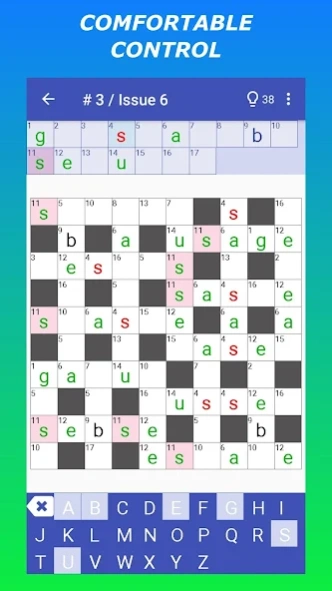
A keyword (codeword) is a crossword puzzle that has numerals which replace letters. Its distinctive feature is the lack of definitions for words. In a codeword, each numeral corresponds to only one specific letter. The goal of the puzzle is to restore the original encrypted crossword puzzle. The game is unique because it is a numerical, verbal and logical puzzle at the same time!
Game Features:
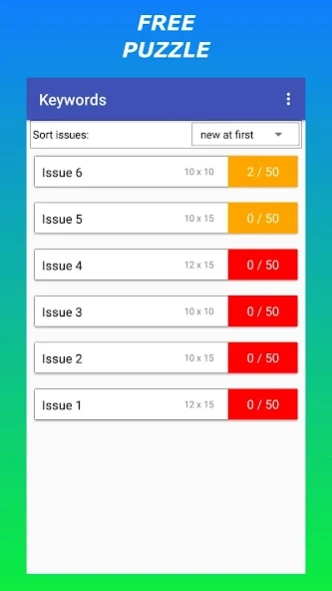
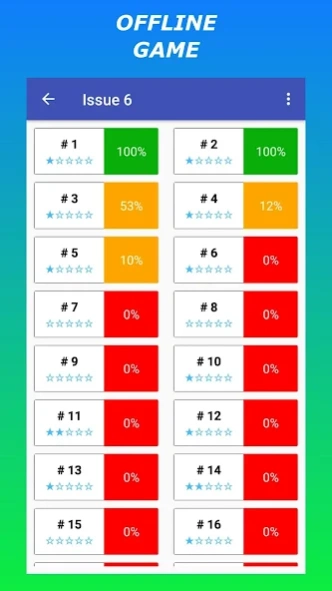
— all codewords are free and you can solve them without the Internet (offline);
— several sizes options— 10x10, 10x15, 12x15, etc.;
— if you find the codeword too difficult, you can use the hints;
— at any time, you can postpone the solving of the numeric crossword puzzle and start to solve another, but you can restart the solving of the postponed puzzle again later.
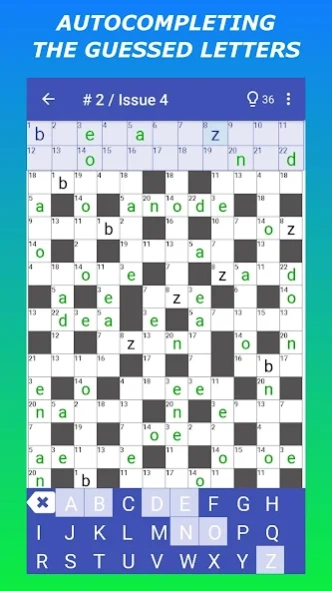
— autocompleting the guessed letters;
— checking the correctness of codeword filling;
— highlighting of suggested letters;
— scalability of codeword field, key table and alphabet;
— the ability to move the key table and the alphabet to the left or to the right in a horizontal orientation;
— the ability to expand/collapse the key table and alphabet;
— you can choose: open a word when starting a new codeword puzzle or open a few (up to 5) random letters.
About Keywords — Codeword Puzzle
The company that develops Keywords — Codeword Puzzle is Anton Kumbralyov. The latest version released by its developer is 1.4.26.78.
To install Keywords — Codeword Puzzle on your Android device, just click the green Continue To App button above to start the installation process. The app is listed on our website since 2021-10-05 and was downloaded 3 times. We have already checked if the download link is safe, however for your own protection we recommend that you scan the downloaded app with your antivirus. Your antivirus may detect the Keywords — Codeword Puzzle as malware as malware if the download link to com.kumbralyov.keywords.english is broken.
How to install Keywords — Codeword Puzzle on your Android device:
- Click on the Continue To App button on our website. This will redirect you to Google Play.
- Once the Keywords — Codeword Puzzle is shown in the Google Play listing of your Android device, you can start its download and installation. Tap on the Install button located below the search bar and to the right of the app icon.
- A pop-up window with the permissions required by Keywords — Codeword Puzzle will be shown. Click on Accept to continue the process.
- Keywords — Codeword Puzzle will be downloaded onto your device, displaying a progress. Once the download completes, the installation will start and you'll get a notification after the installation is finished.
Program Details
System requirements
Download information
Pricing
Version History
version 1.4.26.78-EN
posted on 2021-10-05
Added 200 new codeword puzzles
